Work / BreadButter — Talent Management Platform
BreadButter — Talent Management Platform
Designing a talent management platform for recruitment and employee onboarding.
Problem
Companies needed a more streamlined way to manage recruitment and onboarding processes, but existing tools were fragmented and didn't provide clear visibility into candidate and employee journeys.
Client
BreadButter
Role
Product Designer
Industry
Human Resources Technology
Type
Web Platform
Scope
UX Design, UI Design, User Research, Workflow Design
Context
BreadButter provides talent management solutions for growing companies. The platform needed to support recruitment, candidate evaluation, and employee onboarding in a unified experience where candidate profiles could transition into employee records without data loss. The core challenge was designing profile interfaces that could handle multiple media types—resumes, portfolios, video interviews, assessment results—and remain flexible as candidates moved through different stages of the hiring and onboarding process. Constraints: - Profiles needed to support documents, images, videos, and structured data - Multiple user types (recruiters, hiring managers, HR admins) with different information needs - Onboarding flows required different data collection than recruitment - Integration with existing HR systems for data import/export
My role
I designed the visual language and platform UI for BreadButter. I created the design system, profile interfaces, and onboarding flow designs. I also established UI guidelines for how different media types (resumes, portfolios, videos) should be displayed and organized within profiles. I worked with the product team to define profile structure and with frontend engineers on implementation. I also collaborated with HR consultants to understand onboarding requirements.
Approach
I mapped how candidate information flows from recruitment into onboarding, identifying what data needed to persist and what new information was required at each stage. Key design decisions: - Designed universal talent profiles that could display multiple media types (PDFs, images, videos) in a consistent layout - Created flexible profile sections that could show or hide based on whether someone was a candidate or employee - Designed onboarding flows that collected new information while preserving recruitment data - Established UI patterns for displaying different content types (documents, portfolios, assessment results) consistently - Built profile flexibility so recruiters and HR admins could customize which sections were visible I prioritized profile flexibility—the same profile structure needed to work for candidates with just a resume and for employees with onboarding documents, benefits enrollment, and performance reviews.
Key solutions
Universal talent profiles supporting multiple media types
I designed profile interfaces that could display resumes (PDFs), portfolios (images), video interviews, assessment results, and structured data in a consistent layout. Profiles started as candidate records with recruitment information, then expanded to include onboarding documents and employee data as people moved through the process. The profile structure was flexible—sections could show or hide based on context, and the UI patterns for displaying different content types (documents, images, videos) remained consistent regardless of whether someone was a candidate or employee.
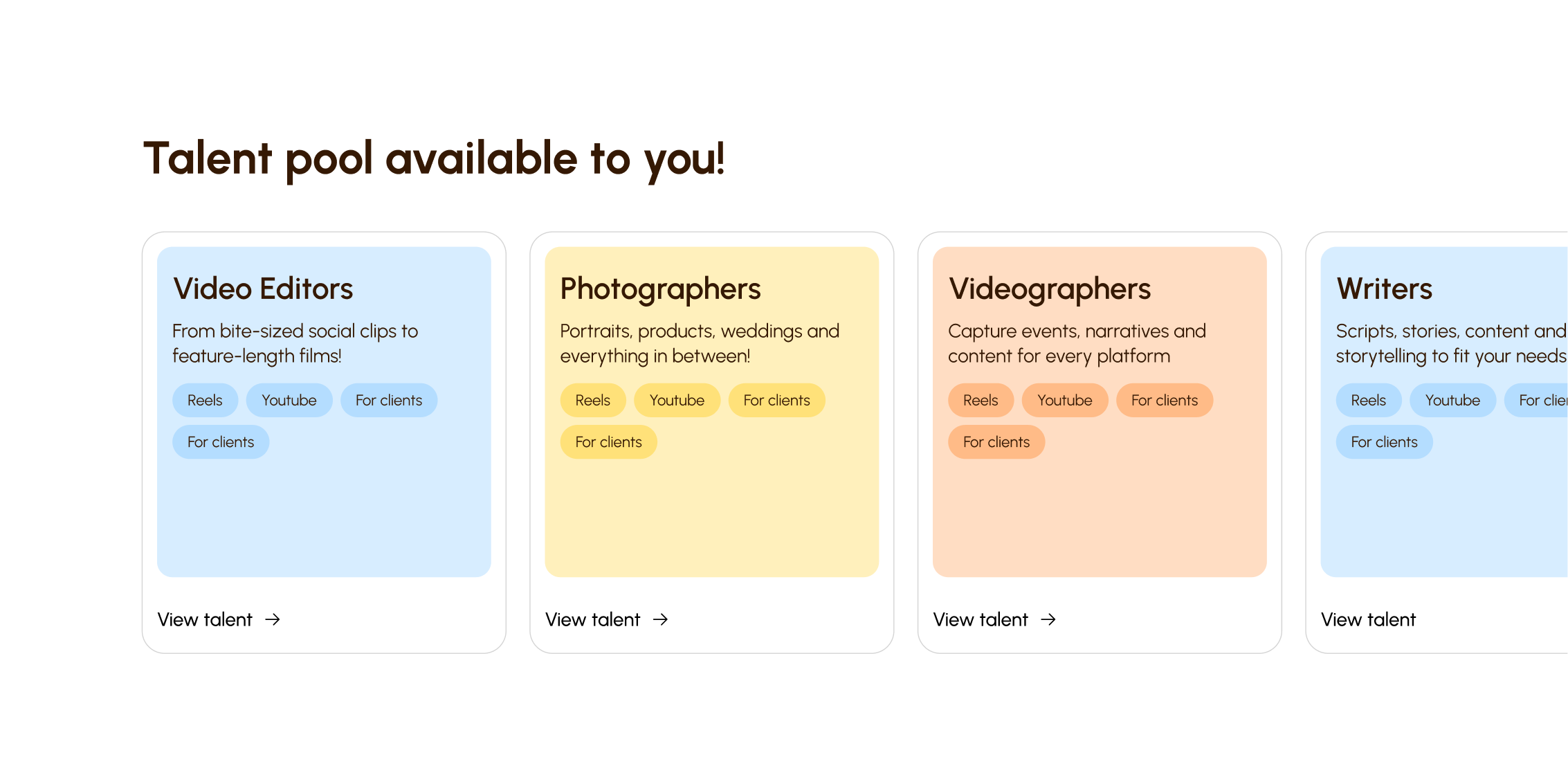
Onboarding flow design and profile flexibility
I designed onboarding flows that collected new information (tax forms, benefits enrollment, equipment requests) while preserving all recruitment data. The profile interface adapted to show relevant sections—recruiters saw candidate information, HR admins saw onboarding progress, and both could access the full profile history. I established UI guidelines for how different content types should be organized and displayed, ensuring consistency across the platform.
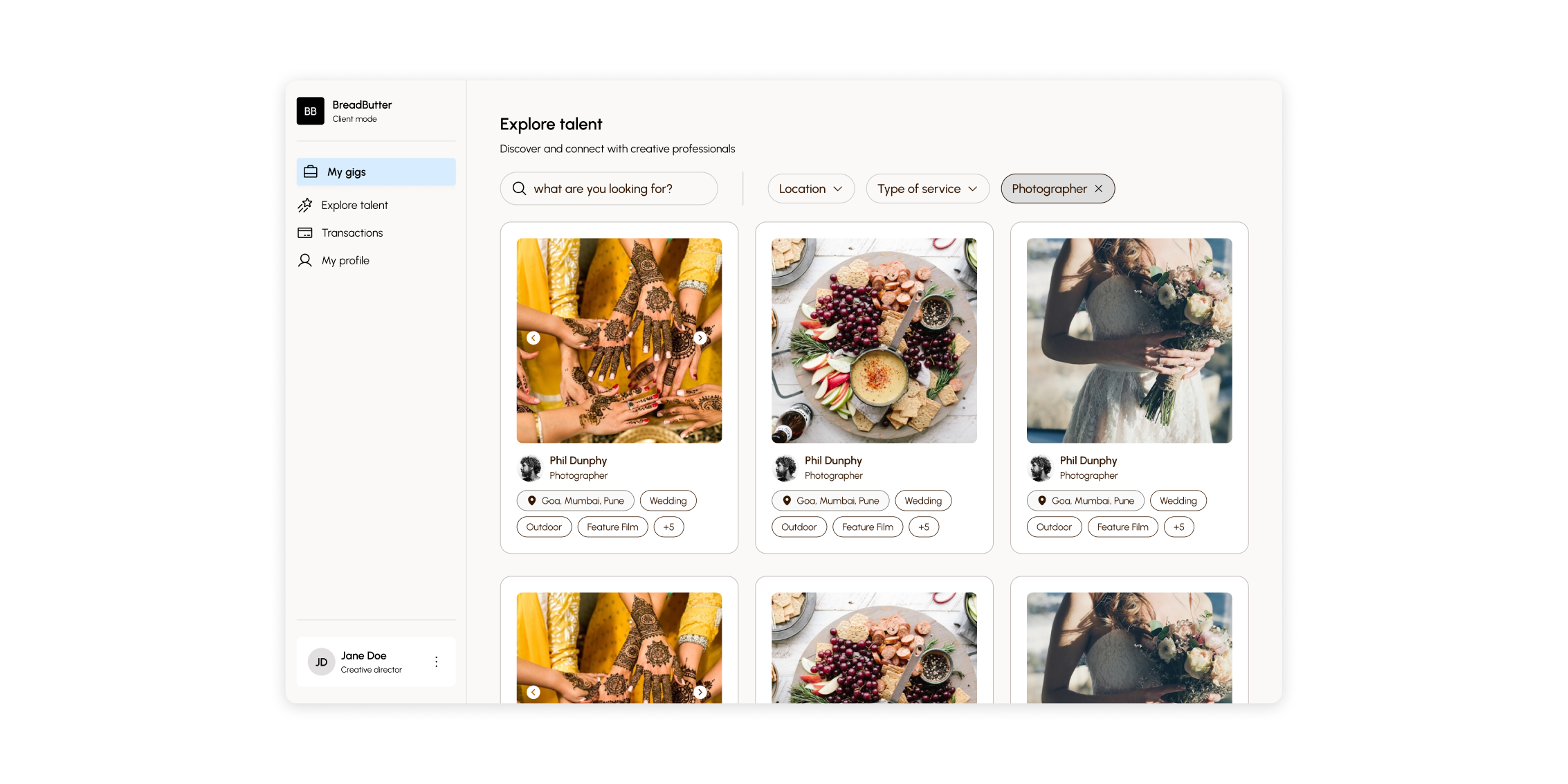
Visual language and UI guidelines
I created the design system and UI guidelines that defined how different media types should be displayed, how profile sections should be organized, and how information should flow from recruitment to onboarding. This visual language ensured consistency across the platform while supporting the flexibility needed for different user types and content formats.
Impact
The universal profile structure allowed companies to maintain candidate information through the entire hiring and onboarding process without data loss. Recruiters could see candidate history, and HR teams could access all recruitment data during onboarding. The flexible profile design supported different content types (resumes, portfolios, videos) consistently, and the UI guidelines ensured the platform felt cohesive even as profiles evolved from candidate to employee records.
What I learned
Designing profiles that support multiple media types requires establishing clear UI patterns early. Documents, images, and videos need consistent display rules, and profile sections need flexibility to show or hide based on context. The transition from candidate to employee records was smoother when the profile structure was designed to accommodate both states from the start, rather than trying to retrofit employee features onto candidate profiles. I'd explore more granular control over profile section visibility to support different user roles and workflows.